8. The sawmill R Package
The sawmill R package processes queries from the CEDAR (Collection of Epidemiologically Derived Factors Associated with Resistance) database, performing quality control, and calculating measures of association (odds ratios). Optionally, it can also perform meta-analysis.
8.1. Introduction
8.1.1. Why is sawmill needed?
Each of the iAM.AMR models are informed by one more queries to the CEDAR database. The exported query results are called timber. Unfortunately, these raw timber are not usable, as they lack key calculated fields (such as the odds ratio), and have not been screened for simple errors.
8.1.2. What exactly does sawmill do, in brief?
sawmill essentially looks at each factor in the timber, checks that the raw data required to calculate an odds ratio and standard error of the log(odds ratio) are available and usable, and then performs those calculations.
More details can be found in the sawmill GitHub repository’s latest release notes, as well as in the function help files.
8.1.3. How is sawmill set up?
First and foremost, sawmill is an R package. According to Hadley Wickham and Jennifer Bryan:
In R, the fundamental unit of shareable code is the package. A package bundles together code, data, documentation, and tests, and is easy to share with others.
sawmill is set up as a series of functions, each of which performs a specific step(s) in the processing pipeline.
A function, according to R - Functions, is:
…a set of statements organized together to perform a specific task.
Each function is in an individual R script file, where the name of the script file matches the name of the main function it contains. All script files can be found in the R directory of the sawmill GitHub repository.
The pipeline is set in motion by running the main function, start_mill, using the following command:
sawmill::start_mill()
This function calls all other subsequent functions.
Important
Before proceeding, you will need to have both R and RStudio installed on your computer. If you do not have them both installed, please see R and RStudio.
8.2. Terminology
In keeping with the logging theme of the sawmill pipeline, the following terminology is used throughout this documentation:
Raw timber: the input Excel (.xlsx) file of factors, exported from CEDAR, which acts as the input to sawmill.
Grain: the set of fields used to define a particular factor (for instance, a prevalence table or a contingency table).
Processed timber or planks: the processed .csv file of factors that sawmill provides as an output.
8.3. Navigate RStudio
Note
This section provides only a cursory overview of RStudio, focusing on those features necessary for running sawmill. For a more comprehensive overview, see Introduction to RStudio.
RStudio’s interface looks something like this:
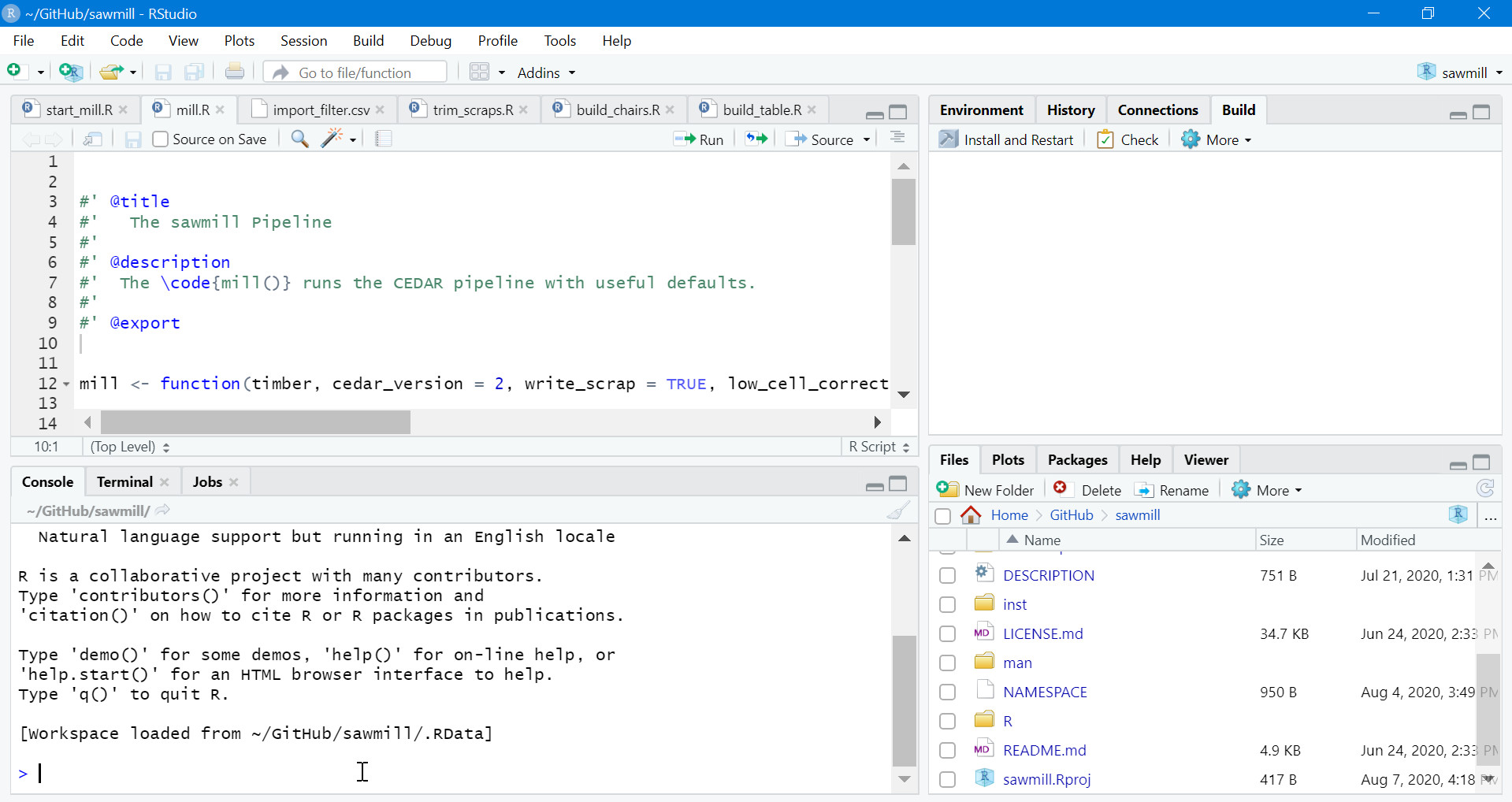
RStudio interface with sawmill loaded.
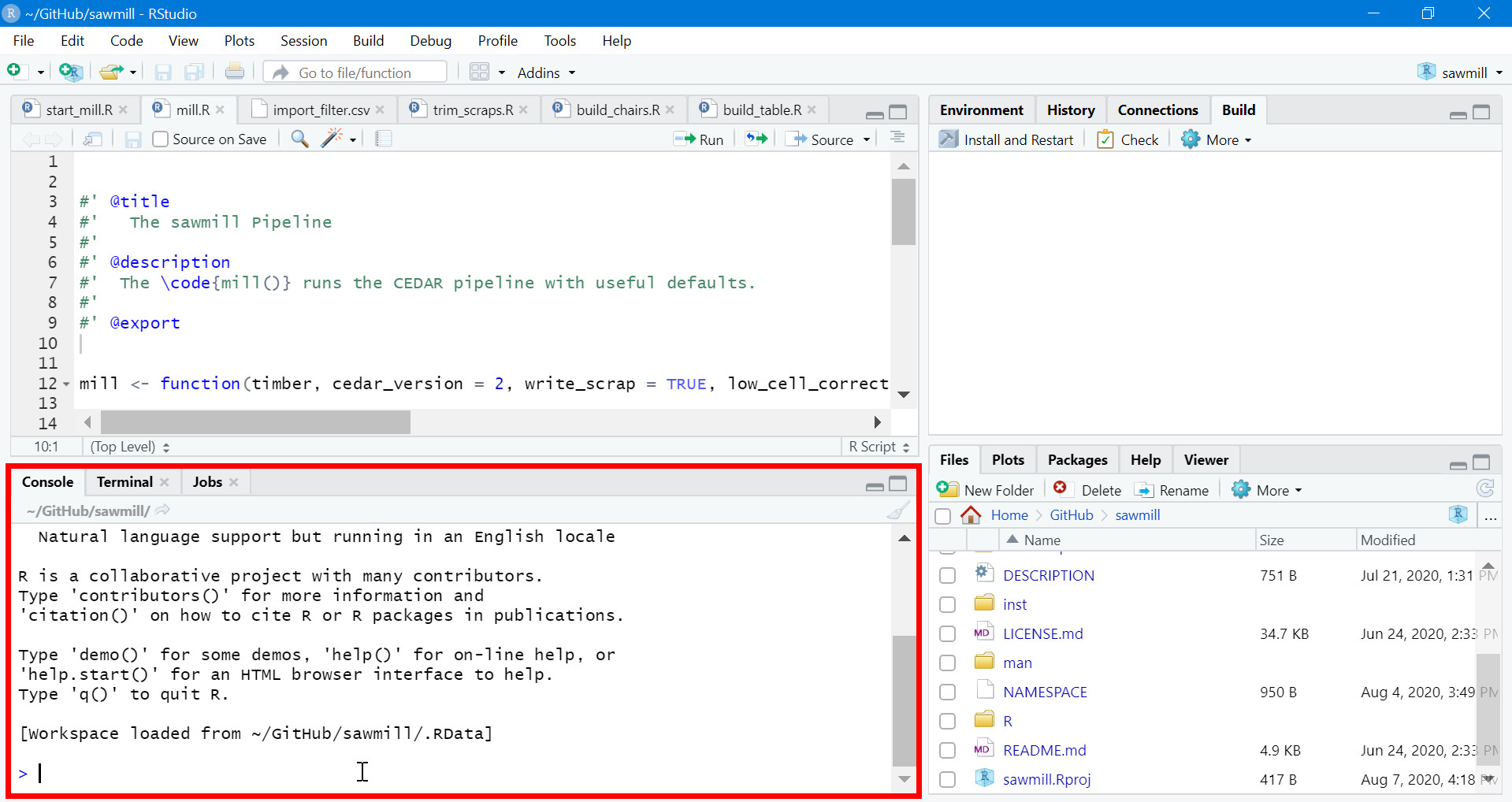
It can be divided into four key regions.
8.3.2. Script editor
This is where R scripts can be viewed and edited.
Each open script file appears as a tab at the top of this region.
To run a block of code, highlight it in the script editor and click the Run button.
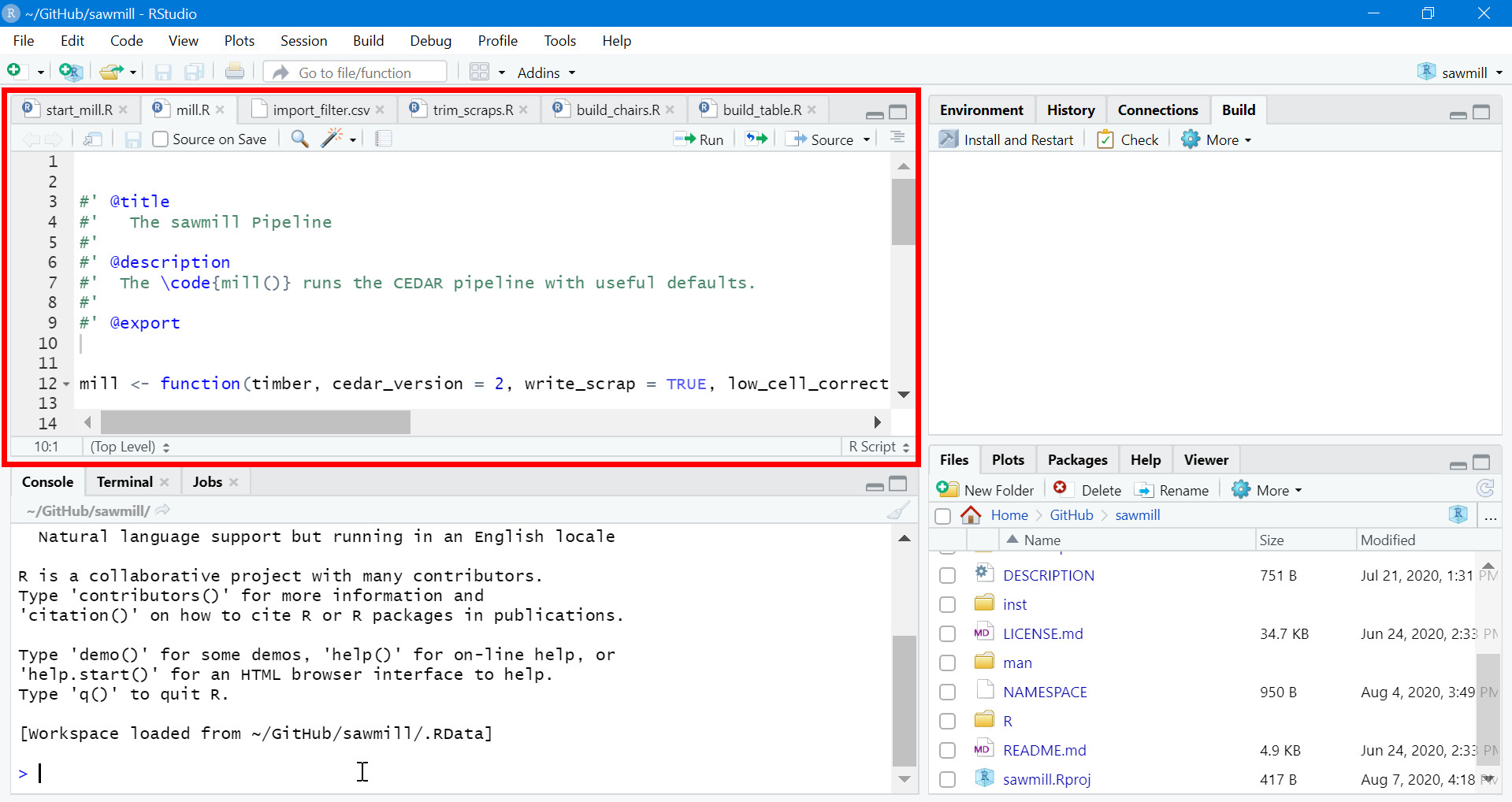
RStudio script editor.
8.3.3. Navigation pane
There are two important tabs in this pane: Files and Help.
Files shows the contents of the current working directory. Here, users can navigate to R scripts they wish to view in the script editor.
Help is where the individual function help files are viewed.
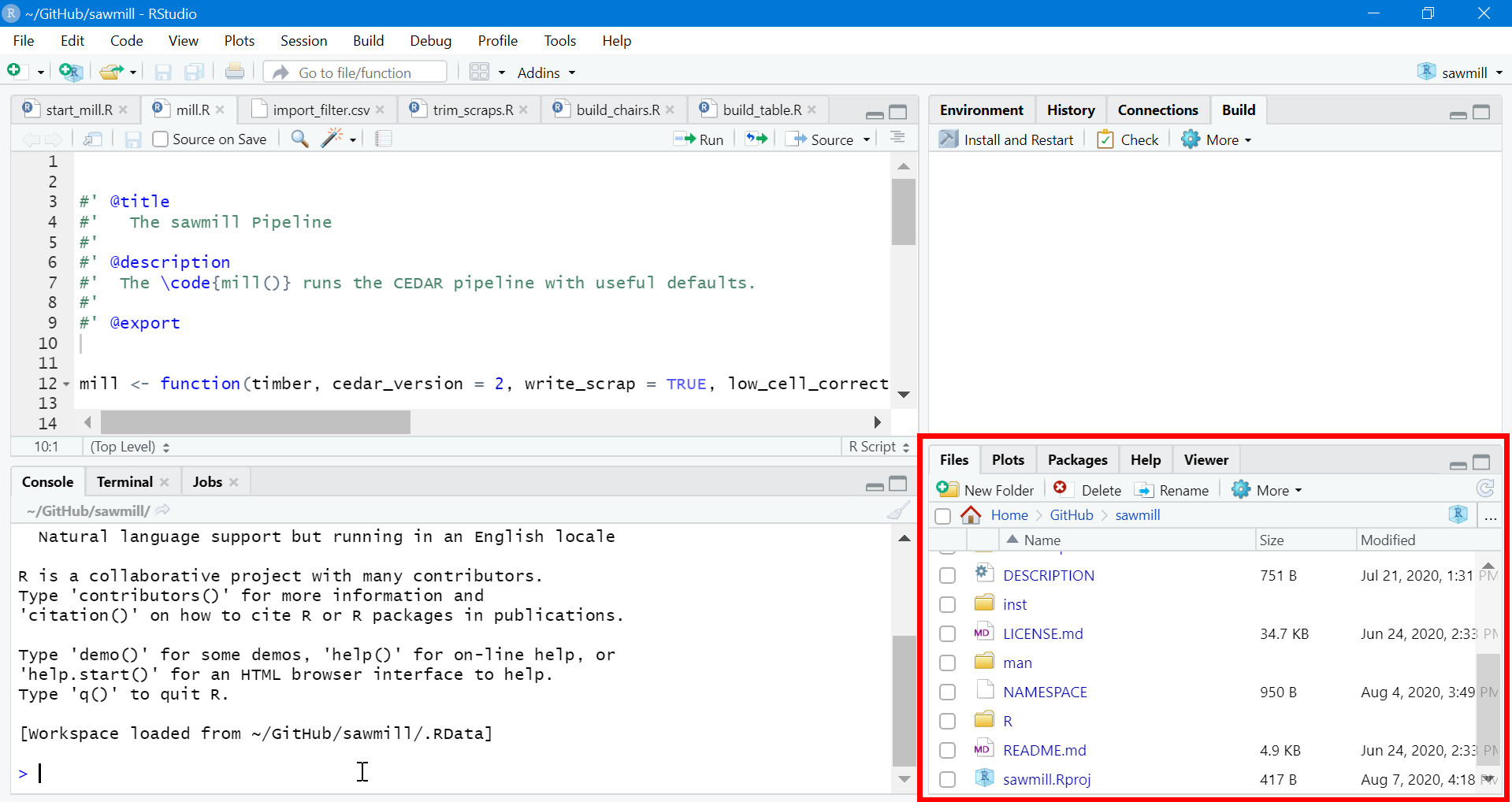
RStudio navigation pane.
8.3.4. Build tab
When the Build tab is selected, a package can be installed and/or re-loaded using the Install and Restart feature.
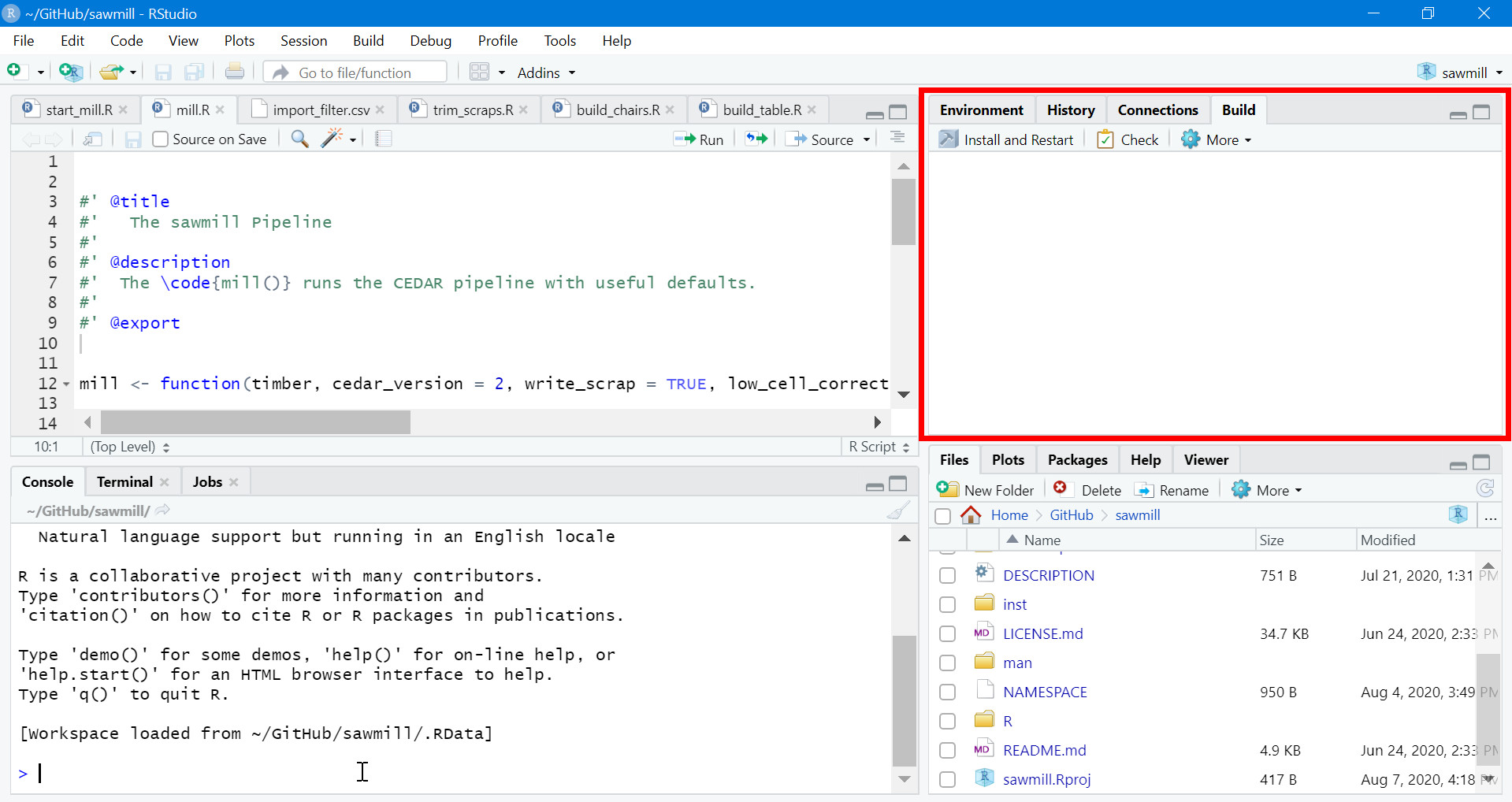
RStudio build tab.
8.4. How It Works
8.4.1. Acceptable grains
The set of fields used to define a factor (the factor’s grain) varies from reference to reference. Not all grains can be used to calculate an odds ratio and as such, not all are usable by sawmill.
The formula for the odds ratio requires a complete contingency table, so any acceptable grain must be able to be converted to the following:
| Group | AMR+ | AMR- |
|---|---|---|
| Exposed | A | B |
| Referent | C | D |
As a result, sawmill is capable of working with the following grains.
8.4.1.1. Contingency tables
Contingency tables are usable in two different forms.
| Group | AMR+ | AMR- | Total |
|---|---|---|---|
| Exposed | A | B | |
| Referent | C | D |
If AMR- values are not available, totals must be provided.
| Group | AMR+ | AMR- | Total |
|---|---|---|---|
| Exposed | A | nexp | |
| Referent | C | nref |
8.4.1.2. Prevalence tables
AMR- prevalences are optional, as they are not used by sawmill.
| Group | AMR+ | AMR- | Total |
|---|---|---|---|
| Exposed | P% | (R%) | nexp |
| Referent | Q% | (S%) | nref |
Important
The values in the total column, unlike the other columns, are counts, not percentages. For instance, nexp and nref might represent the total numbers of isolates in each group.
8.4.1.3. Odds ratios
| Lower CI | OR | Upper CI | Significance Value |
|---|---|---|---|
| oddslo | odds | oddsup | pval |
Note
sawmill will not raise an error if the p-value is not provided, but it cannot calculate one for odds ratio grains.
8.5. Access sawmill
8.5.1. Locate sawmill
The sawmill R package is available at the iAM.AMR/sawmill GitHub Repository.
8.5.2. Open sawmill
Once at the repository page, scroll down until you see the README.md file (captured in the image below). This README contains important instructions related to sawmill.
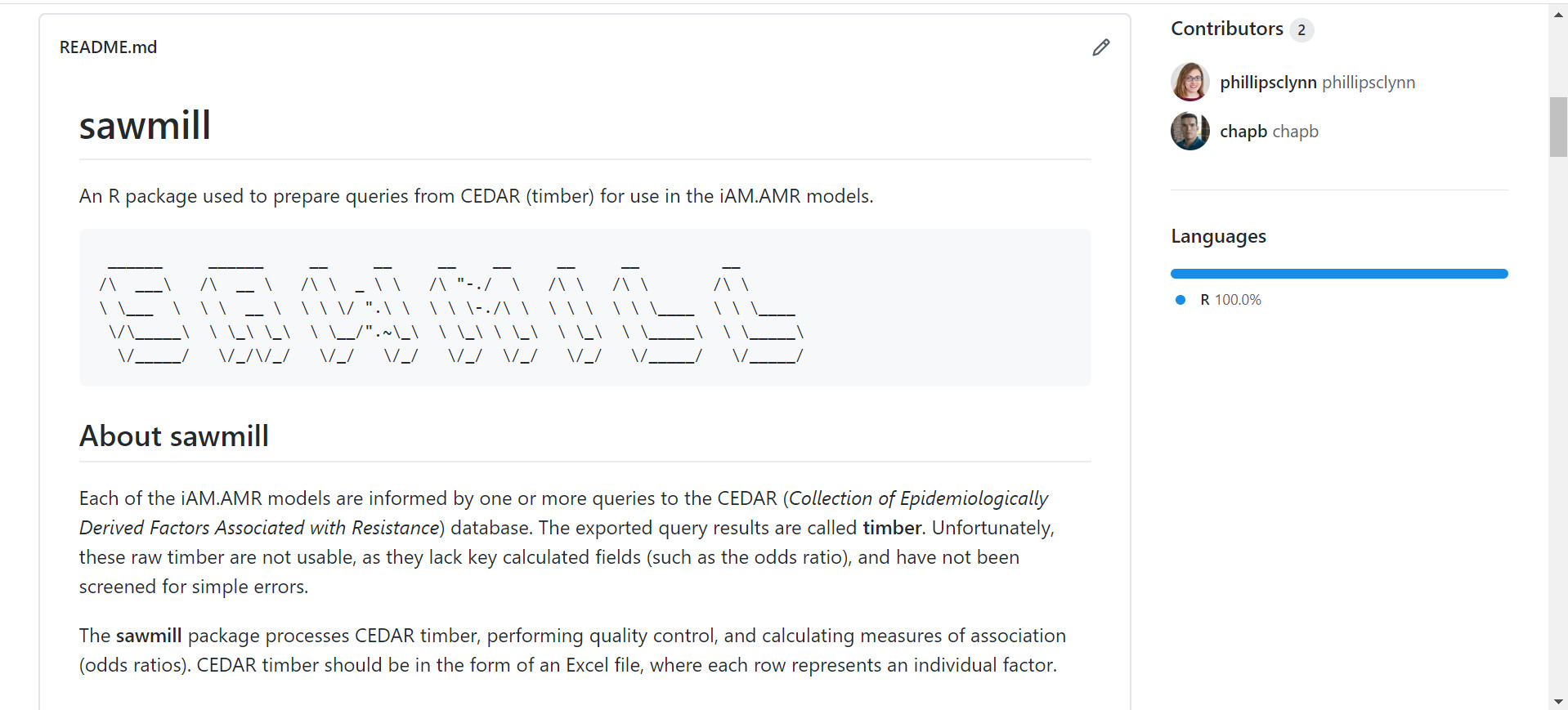
README.md file on GitHub.
Navigate to the Installation and Use section of this file.
You can choose either the Bootstrap installation or the Standard installation, depending on your comfort level with R/RStudio and what you intend to use sawmill for.
Attention
Complete steps 1 and 2 of your chosen installation procedure and then return to this documentation. The final steps are related to the use of sawmill and will make more sense upon reading the rest of this page, as well as the related page Processing CEDAR Exports.